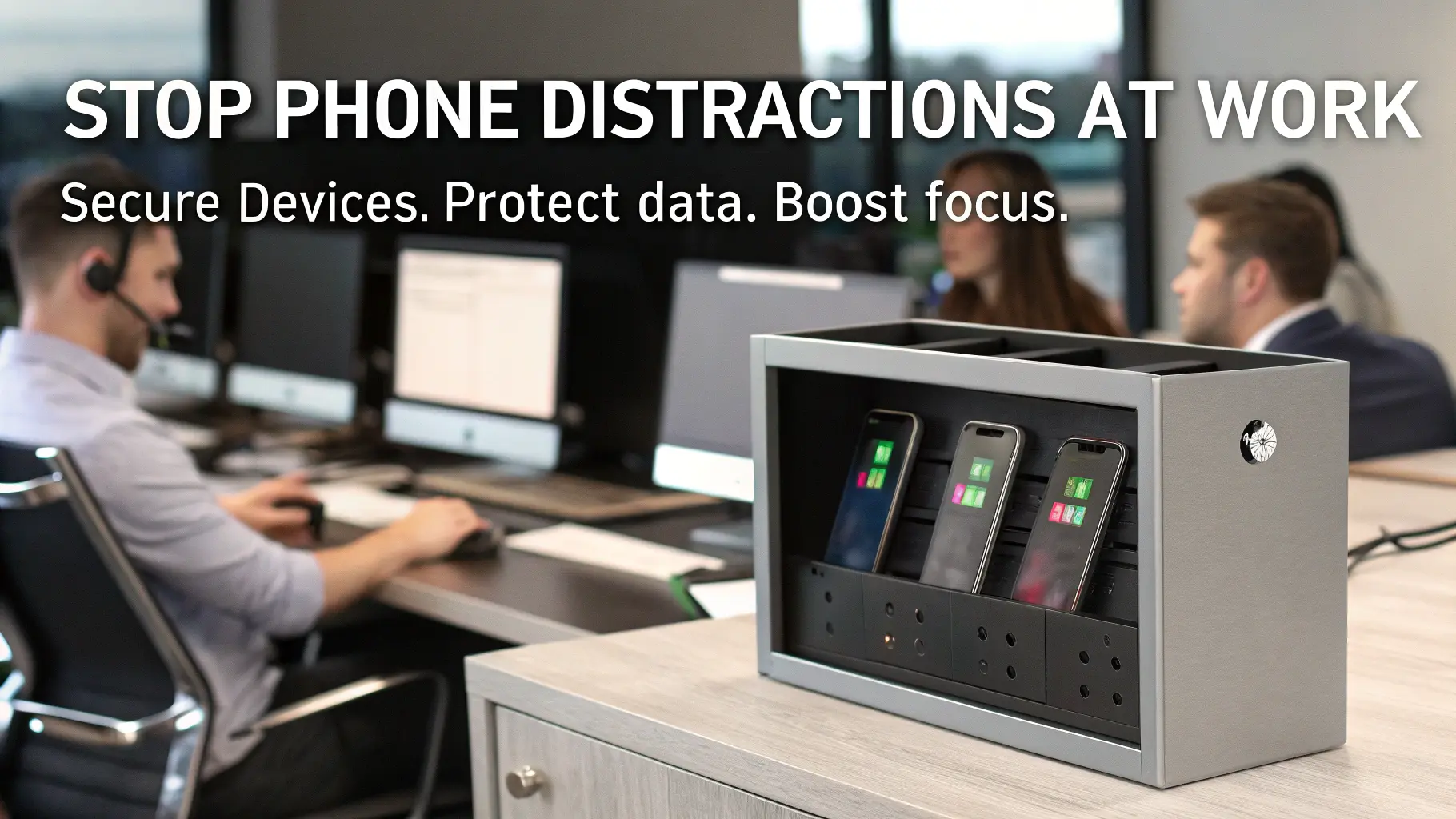
Improved focus is immediate. The employees know they cannot access their phones during work hours, which lessens temptation. Meetings and collaborative tasks become easy.
Controlled access for reduced risk. The risk of theft, accidental sharing of sensitive data, or unauthorized photography is reduced when devices are physically secured.
Improved compliance aligns with internal standards and external policies. Having audit trails and secure storage is a proactive approach that can be valuable during inspections or client audits.
Implementation Strategy
Align storage solutions with existing policies. A lock box system without clear rules leads to confusion. Specify times when devices may be accessed and what types of storage are required.
Employee onboarding is critical. Showing phone lockers and explaining the reason for them promotes their appropriate use. When staff members understand the benefits, they are more likely to follow the rules.
Integrate storage into daily workflow. Ensure phone lock boxes are located close to entrances or workspaces. In multi-device areas, pick ones that allow fast access without creating bottlenecks.
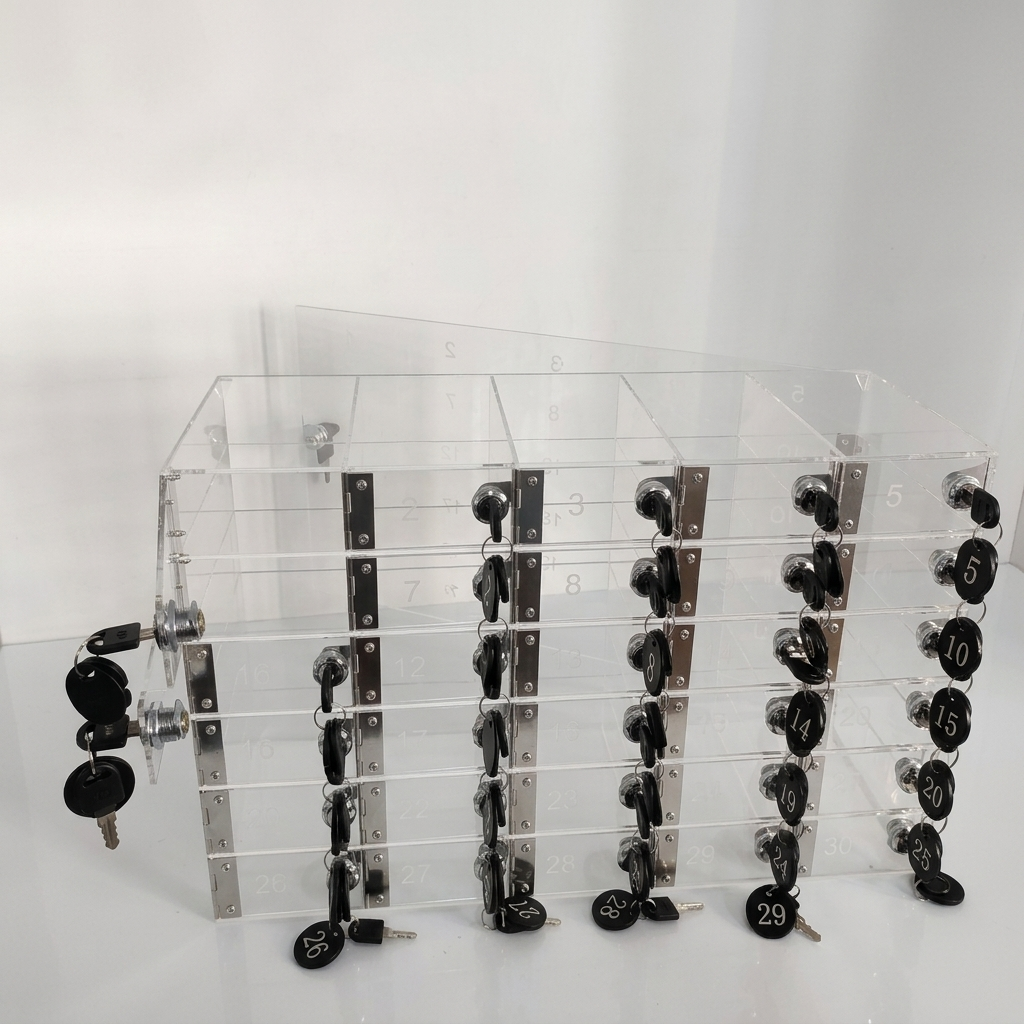
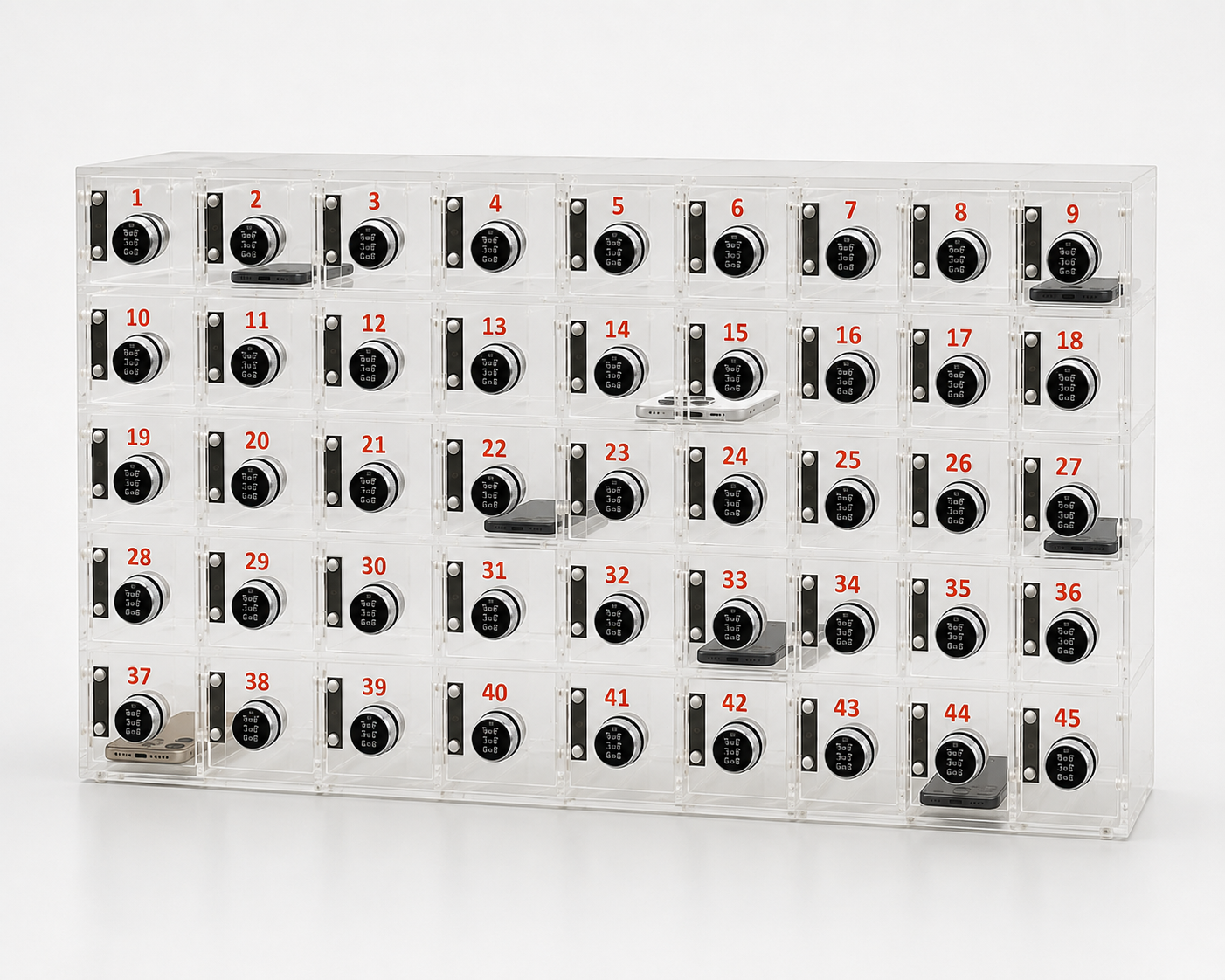
Office Size matters. Curtain-style acrylic phone lockers are a good fit for small offices, while large corporate facilities or industrial sites require wall-mounted cell phone lock boxes with multiple compartments or digital systems that track who checks in and out.
Security Level is critical. A simple combination lock may suffice for a low-risk area, but offices handling sensitive data should explore options such as electronic access control, individual keyed compartments, or pass budgets to prevent unauthorized access to secured areas.
Budget is a balancing act. Metal storage lock boxes with sophisticated locking mechanisms are more durable and can withstand heavy use, but they cost much more. Acrylic storage units are economical for light-duty locations. Multi-device charging can be a worthwhile investment in settings with multiple users per shift.
Common buyer regrets include purchasing units too small for device sizes, underestimating usage frequency, or neglecting integrated charging. Mismatched materials can also cause maintenance headaches. Metal boxes resist scratches and tampering but are heavier to mount, whereas acrylic is lightweight but prone to cracking if misused.
Type | Material | Security | Device Capacity | Ideal Use | Cost Consideration |
Wall-Mounted Lock Box | Steel | Key/Combination/Electronic | 10–50 phones | Corporate, call centers | Mid to high, long lifespan |
Acrylic Phone Locker | Acrylic | Key/Combination | 6–20 phones | Offices with low-risk data | Low to mid, lightweight |
Multi-Device Storage Cabinet | Metal or Steel | Electronic/RFID | 50+ phones | Large offices, manufacturing | High, durable and flexible |
Employee Locker with Phone Compartment | Metal | Key | 1–5 devices | Staff with personal storage needs | Mid, multipurpose |
Central Charging Locker | Metal | Electronic | 10–30 phones | Labs, shared workspaces | Mid to high, adds charging |
Not all offices benefit from premium systems. Small or less data-sensitive startups end up paying too much for top-of-the-range electronic lockers. “Maybe in those environments, just simple acrylic boxes would work. In contrast, in finance, healthcare, or R&D, for instance, the price of going low security can be exponentially higher than any potential savings on services.
- Verify how many devices can be saved simultaneously.
- Confirm device dimensions and compartments fit in smartphones.
- Evaluate material durability in relation to intended behavior.
- Choose a locking mechanism: key, combination, or electronic.
- Identify whether integrated charging is needed.
- Assess installation space and mounting capabilities.
- Regularly check maintenance requirements and possible wear-and-tear replacements.
- Think about your employee workflow to eliminate bottlenecks.
- Budget Vs Long-term Value & Durability
FAQs
Do smartphone bans boost workplace productivity?
Definitely, device access controls minimize distractions and help employees stay on task.
Which industries require phone storage more than the other?
Main sectors include finance, healthcare, manufacturing, R&D, and secure legal offices because of their data confidentiality and compliance requirements.
Is it safe to use lock boxes for office access?
Most standard office environments are sufficiently safeguarded by steel or metal lock boxes with the addition of key, combination, or electronic access.
How do companies implement no-phone policies?
Enforcement involves a mix of clear rules, easy-to-access storage, and onboarding workers. Lock boxes are both a physical deterrent and a compliance tool.
Can storage systems be applied to any other equipment?
Yes, several lockers, depending on their size and compartment design, can accommodate personal items as well as visitor devices and laptops.
This strategy brings together productivity, security, and compliance while still giving organizations room to work in different ways based on their unique office environment. Careful choice of phone lock boxes ensures that adoption goes smoothly, is durable in the long term, and causes as little disruption to work processes as possible. With careful planning, there is nothing stopping you from avoiding typical buyer errors and ensuring that storage solutions not only prove a wise investment but also remain out of sight and out of mind.