...
XStore theme eCommerce WordPress Themes XStore best wordpress themes WordPress WooCommerce Themes Premium WordPress Themes WooCommerce Themes WordPress Themes wordpress support forum Best WooCommerce Themes XStore WordPress Themes XStore Documentation eCommerce WordPress Themes
Office & Workplace Phone Lock Boxes: Boost Productivity & Protect Devices

Office & Workplace Phone Lock Boxes: Boost Productivity & Protect Devices

Facebook
Twitter
Pinterest
WhatsApp

In modern workplaces, mobile phones have become double-edged tools. They connect employees to work, yet they distract, create security vulnerabilities, and complicate compliance. Call centers, corporate offices, and manufacturing floors often struggle with this reality. Managers notice declining focus, increased errors, and even device theft. Traditional policies, like verbal reminders or manual checks, rarely solve the issue. Phone lock boxes offer a practical solution. They control access, protect devices, and reduce distractions, all without heavy-handed supervision.

Why Offices Need Phone Storage Solutions

Phones bring convenience, but unchecked usage can lead to tangible losses. In call centers, employees handling sensitive customer data often get sidetracked by personal notifications. In manufacturing, even a few seconds of distraction near machinery can compromise safety. Office environments also risk internal data breaches when personal devices carry sensitive information outside secure networks.

A practical phone storage strategy mitigates these risks. It ensures devices are secured during critical tasks while remaining accessible during breaks. Companies that implement structured mobile phone lockers notice a measurable drop in workplace distractions and a tangible improvement in operational compliance.

Workplace Scenarios & Challenges

Certain work environments have their own challenges. Dozens of devices are handled per shift in call centers. Employees should expect fast access for scheduled breaks. Corporate offices offer a hybrid of open desks and private offices where people prefer to store discreetly. Lock boxes on manufacturing floors need to withstand dust, vibrations and the occasional knock.

Common challenges include:

  • Devices lie on desks, drawing temptation and distraction.
  • Personal phones used inside secure space, higher risk for data leaks
  • Investigate how much employees might have lost devices due to casual storage methods.
  • Storing multiple devices with non-compatible charging setups.
  • Without careful planning, even a well-intentioned phone policy can hold up operations or annoy staff.
Problems Without Proper Storage​

Organizations that skip proper mobile phone storage encounter a range of issues:

  • Time lost with an employees measured in hours/week across teams
  • Stress put back on the bosses to constantly watch phone use.
  • Broken devices when phones are carelessly put in drawers and lockers.
  • Holes, in terms of security, for sensitive corporate data or trade secrets.
  • Even small offices tend to realize that these issues build up over time.

Practical Storage Solutions

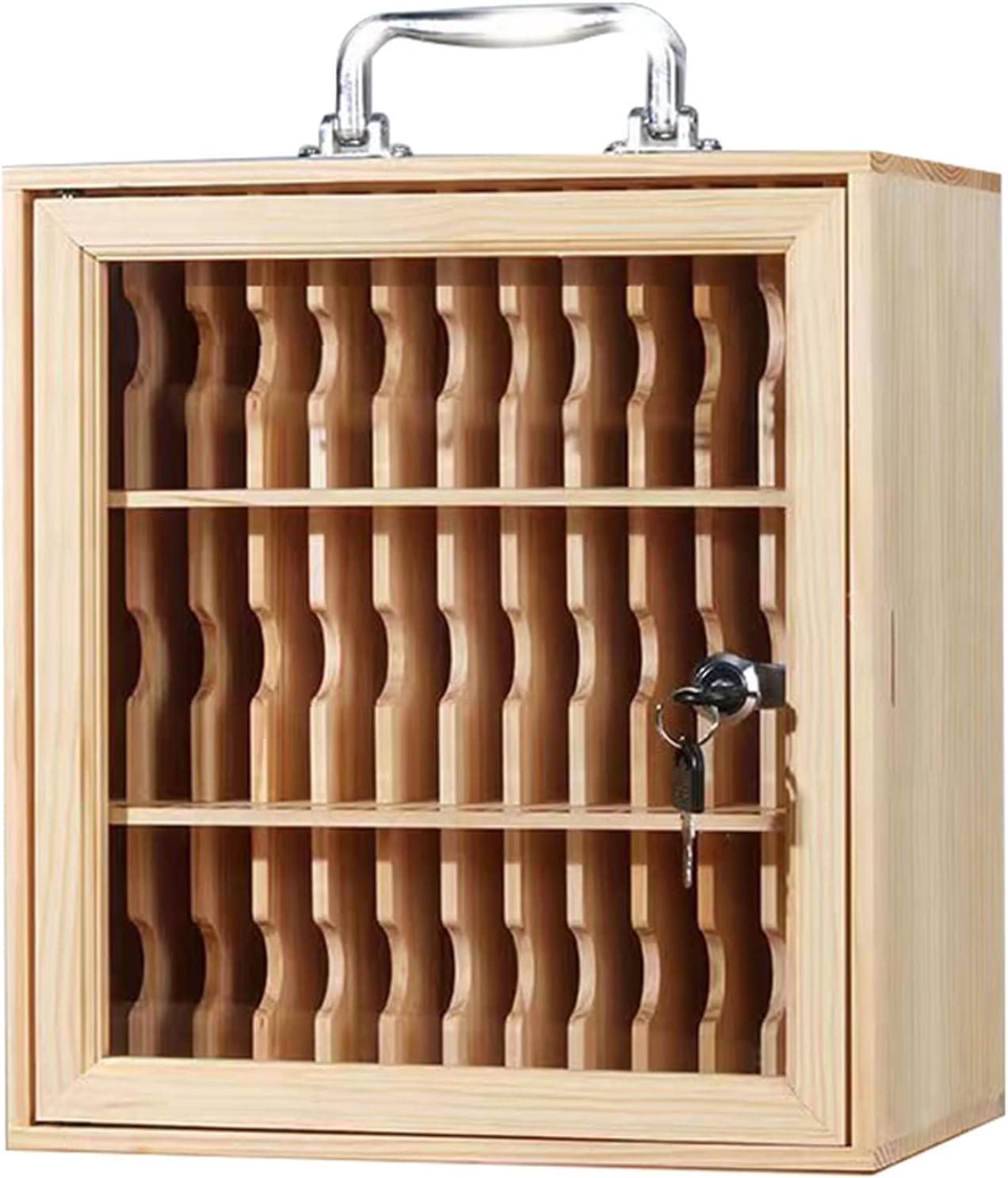
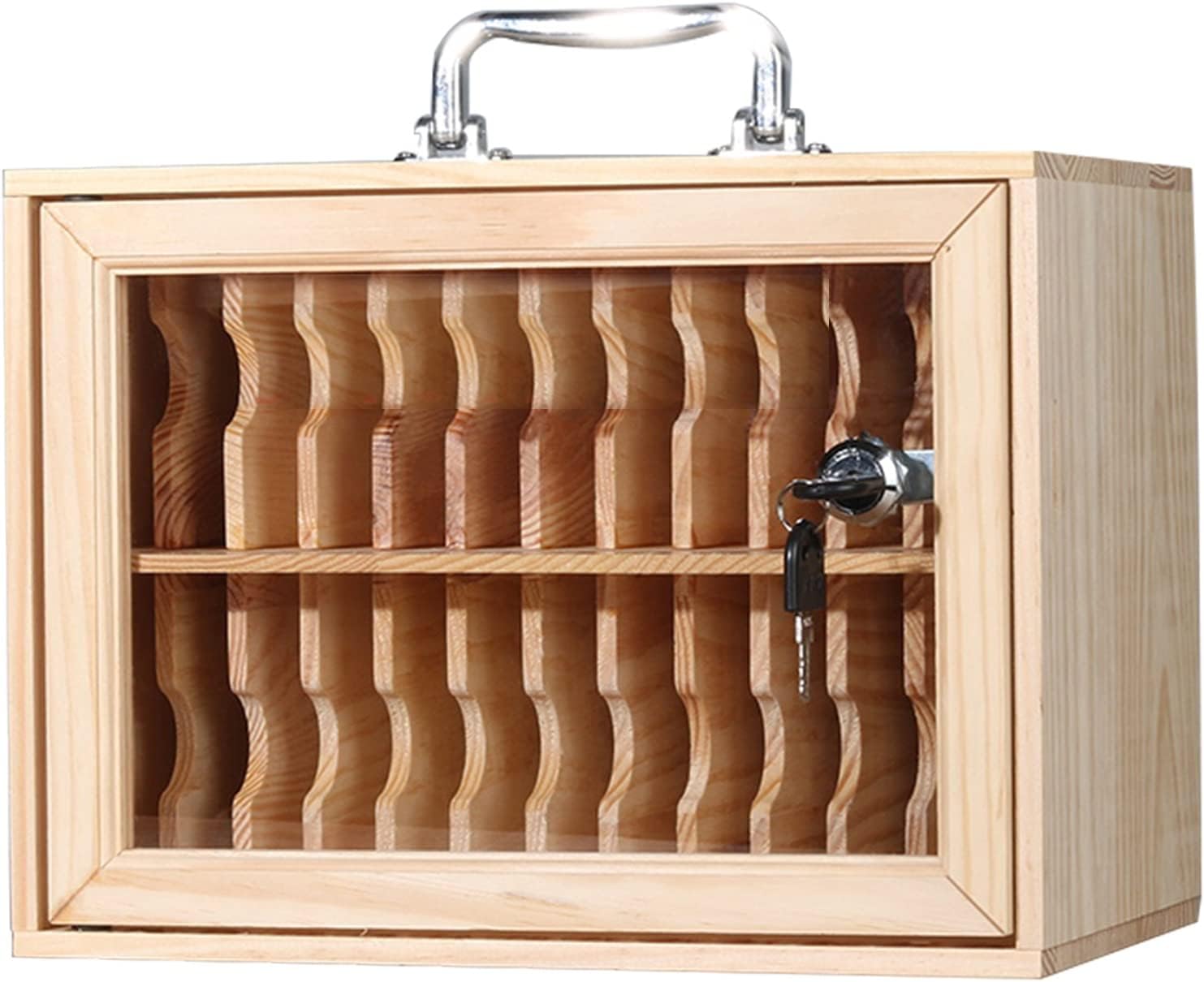
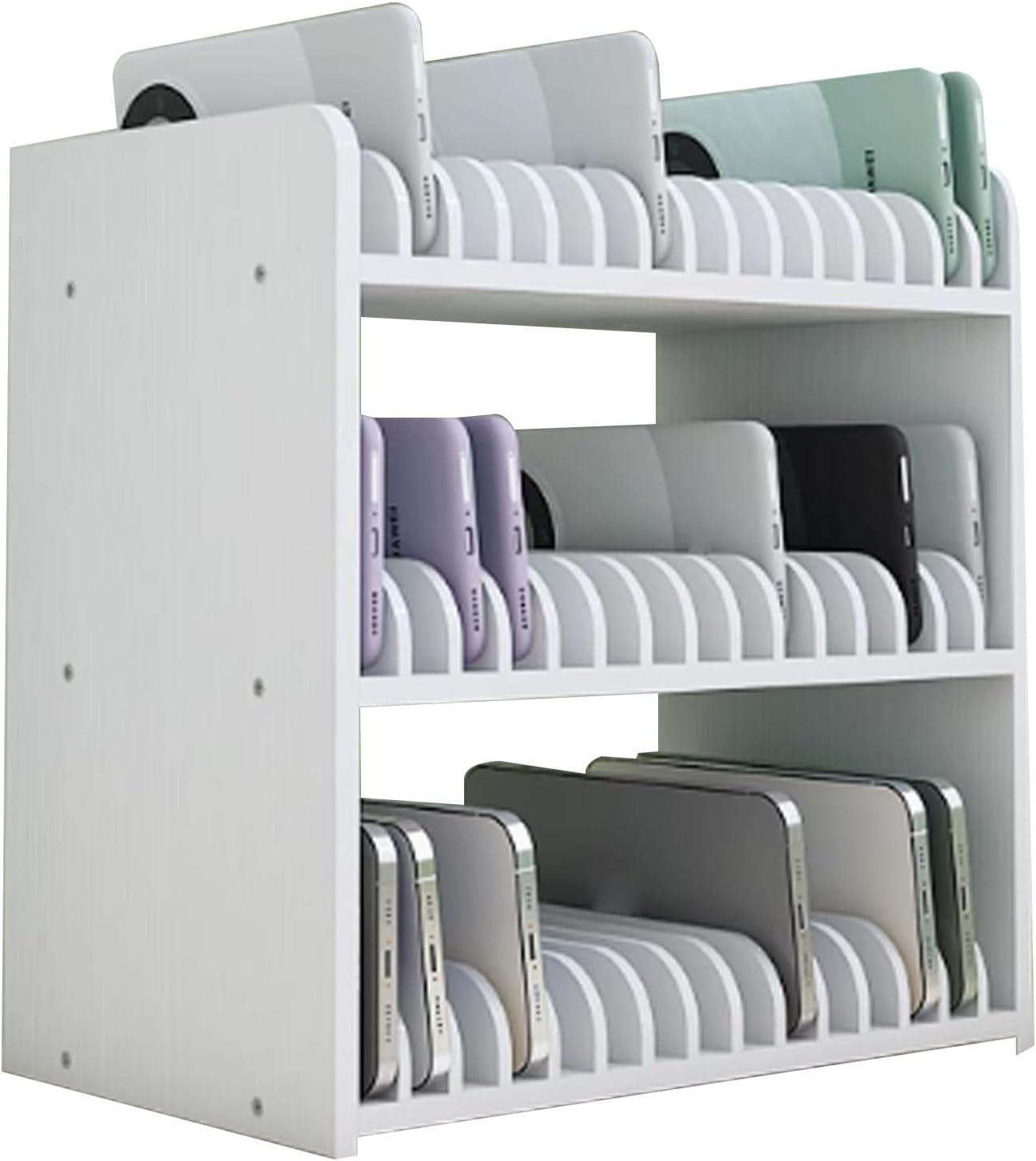
Phone lock boxes come in multiple formats to suit diverse workplaces. Wall-mounted cabinets, freestanding lockers, desktop trays, and acrylic boxes all have practical applications. Multi-device lockers allow employees to store several phones simultaneously. Single-device units are simpler but may require more infrastructure for larger teams.

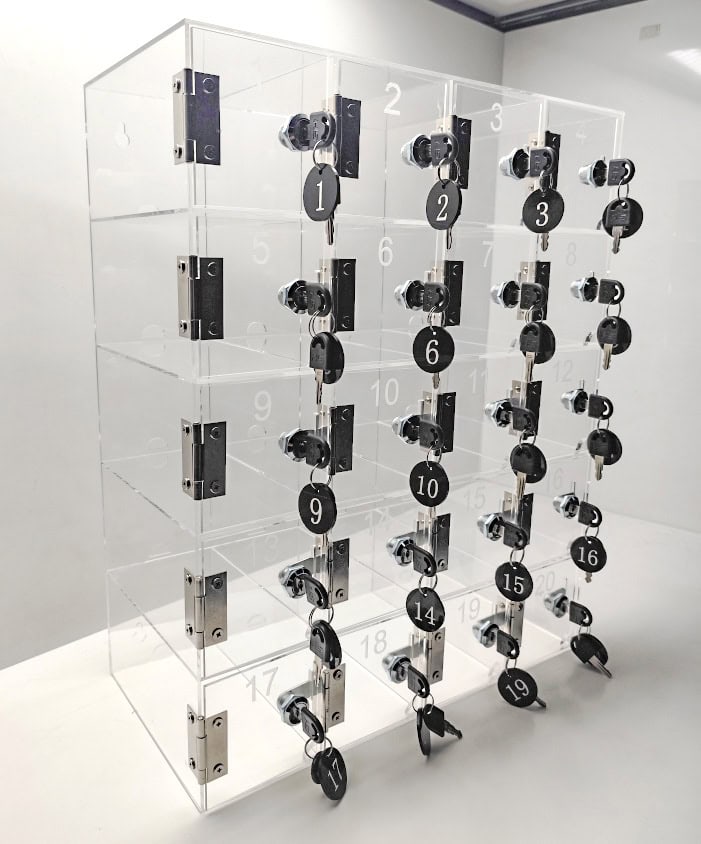
Material choices affect longevity and security. Metal cabinets resist impacts and unauthorized tampering. Acrylic lockers are lighter and provide visibility, which helps monitor usage without opening each compartment. Integrated charging ports are critical for environments where devices are used for work tasks.

Placement matters. Lock boxes should be near entry points, break rooms, or production zones, balancing accessibility and security. Employees respond best when storage is convenient, not punitive.

Implementation Strategies

Effective rollout combines policy, training, and infrastructure:

  • Define which areas require phone storage. Sensitive zones, machinery-heavy areas, and customer-facing spaces are priorities.
  • Choose lockers that fit the volume of devices. Overcrowded compartments often lead to noncompliance.
  • Provide clear instructions for daily use and emergency retrieval. Keyed, combination, or electronic access systems each have trade-offs.
  • Monitor usage patterns initially and adjust placement, capacity, or access rules. Real-world feedback identifies overlooked bottlenecks.
  • Integrate charging capabilities for workplaces where devices are used for work applications or time tracking.
  • Staff adaptation improves when convenience is prioritized over restriction.

Benefits for Employers & Teams

There are significant advantages of organized mobile phone storage:

  • Measurable improvement in productivity. Call centers report as much as 15 percent less time per shift in callers on hold.
  • Reduced supervision workload. Managers are spending less time on enforcing phone policies.
  • These protect the device against accidental damage or theft.
  • Safer work environments, particularly on manufacturing floors, where hands-free concentration is critical.
  • Ease compliance with internal or regulatory policies around device usage
  • Done right, a lock box system demonstrates respect for employee privacy and fosters accountability.

Our most popular products based on sales.

Our products most often added to Wishlist's.

Our best-selling new and future releases.

Most popular products as Most Gifted Products.

How to Choose the Right Method

To choose: Think about volume, environment and security requirements:

Size and capacity: Avoid lockers that have difficulty fitting a phone with a case, or that can’t hold an employee’s multiple devices. Oversized units can waste space.

Material: If the space gets a lot of use, or you need security, try a metal version. Acrylic for clearer visibility and less aggressive usage.

Entryway: Keys, combination locks or digital systems. Account for shared management overhead and break glass access.

Charging support: Necessary for locations where devices are used to run mission-critical software Compatibility with various phone types

Durable: Industrial floors need a thick, strong build resistant to impacts, dust or moisture.

Budget vs longevity: Good metal cabinets will be more costly initially but last longer (5–10 years) while basic acrylic college units P32 may need replacing in that period.

Not every solution is suitable in every workplace. Single-device trays can drive high-volume teams mad. Wall-mounted units require structure, which older offices may not have. Knowing these limitations before buying stops buyer’s remorse.

Comparison of Phone Lock Box Types

Lock Box Type

Capacity

Material

Access Method

Best Use Cases

Pros

Cons

Real-World Notes

Wall-Mounted Multi-Device Lock Box

12–36 devices

Metal

Key, Combination, Electronic

Offices, call centers, training rooms

Secures multiple devices, saves floor space, durable

Requires wall support, installation effort

High adoption in call centers; reduces lost devices during shifts

Freestanding Multi-Device Locker

24–50 devices

Metal

Key or Combination

Manufacturing floors, break rooms

Large capacity, flexible placement, robust

Bulky, heavy, may require floor space

Often used in warehouses where portability is less critical

Acrylic Single/Small Multi-Device Box

1–10 devices

Acrylic

Key, Combination

Admin offices, light-duty environments

Lightweight, transparent for easy monitoring, easy to move

Less secure, scratches easily, limited durability

Popular in offices prioritizing visibility and light-duty monitoring

Desktop Tray Lock Box

1–6 devices

Metal / Acrylic

Key or Combination

Meeting rooms, hot-desking areas

Quick access, compact

Small capacity, limited security

Used for temporary storage during meetings or short shifts

Charging-Integrated Lock Box

6–36 devices

Metal / Acrylic

Key, Combination, Electronic

Offices where devices are needed for work apps

Locks and charges devices, prevents downtime

Higher cost, cable management needed

Call centers and offices with shared work devices see highest ROI

Wall-Mounted Key Cabinet (Single Device per Slot)

10–50 devices

Metal

Key

Corporate offices, secure zones

High security, tamper-resistant

No charging, slower access

Often used in legal or finance offices where security outweighs convenience

Practical Takeaways:

  • Lockers, mounted on the wall or free standing for multidevice are also efficient for large people.
  • Acrylic choices are ideal for administrative or light-duty workspaces.
  • Charging-integrated units help eliminate downtime whenever devices are used for work applications.
  • Desktop trays are great for storage in temporary or meeting environments.
  • Without considering size, capacity or environmental suitability: buyer’s remorse.

Multi-Purpose Storage Uses

Storage of personal devices is not all they can do. Offices often repurpose them for:

  • Tablets (training or inventory management).
  • Corporate phones that require secure overnight storage.
  • Documents or small equipment with access only in a controlled manner.

Generous lockers are also an amazing space-saver and give outdoor enthusiasts more bang for the buck.

Practical Buying Checklist

  • How many devices do you have to store on a daily basis, and how much can that scale over time?
  • Make certain locker compartments will accommodate the biggest phones used by your team.
  • Select materials that suit your environment — metal for tough places, acrylic for lower-impact use.
  • Decide how employees will access the lockers, and plan for emergencies.
  • Think about whether devices should charge when they are in storage.
  • Find out if wall-mounted units are safe to install or whether floor space is available for freestanding models.
  • Consider if the lockers could also have space for tablets or other smaller devices.
  • Include maintenance needs, like checking locks work and dealing with charging cables.

FAQ

Can phone lock boxes improve productivity?
Yes. Removing phones during work periods reduces distractions, leading to measurable efficiency gains.

How do employees access phones in emergencies?
Lock boxes with combination or electronic locks allow quick access. Keys can be centrally managed for critical situations.

Which industries benefit most from phone lockers?
Call centers, corporate offices, manufacturing floors, schools, and healthcare facilities see the largest impact.

Can multiple devices be stored simultaneously?
Yes. Multi-device lockers accommodate groups or individuals with several devices. Ensure compartments are sized for typical phones.

Are wall-mounted cell phone lock boxes more secure?
Wall-mounted units reduce tampering and unauthorized movement, making them ideal for high-traffic areas.

Do acrylic lockers work in industrial environments?
They are best suited for light-duty or administrative areas. Metal lockers are preferred where durability and security are critical.

What maintenance is required for mobile phone storage lockers?
Regular lock checks, cable inspections for charging units, and cleaning of surfaces are usually sufficient.